Silhouette Cameo 4: The Complete Guide for Beginners and Craft Lovers

The silhouette cameo 4 is one of the most popular cutting machines used by crafters, small business owners, teachers, and DIY lovers. This smart device can cut many materials and turn simple ideas into beautiful creations. From custom stickers to vinyl decals and even fabric projects, the silhouette cameo 4 makes crafting easier, faster, and more fun.


Made by Silhouette America, this machine combines modern technology with creative freedom. With the help of its companion software, Silhouette Studio, users can design, edit, and cut thousands of unique projects.
If you enjoy crafting, decorating, or running a small creative business, the silhouette cameo 4 could be the perfect tool for you. This complete guide explains everything you need to know—from features and materials to tips, benefits, and real-world uses.
What Is the Silhouette Cameo 4?
The silhouette cameo 4 is an electronic cutting machine designed to cut materials into custom shapes and designs. Think of it as a smart tool that works like a printer—but instead of printing ink on paper, it cuts shapes from materials.
Using design software and a blade, the silhouette cameo 4 can cut patterns with great precision.
Simple Explanation
Imagine drawing a design on your computer. When you send it to the machine, the silhouette cameo 4 cuts that design perfectly on vinyl, paper, fabric, or other materials.
Common Projects Made With Silhouette Cameo 4
People use the silhouette cameo 4 for many creative projects, including:
- Vinyl decals for walls or windows
- Custom T-shirts
- Stickers and labels
- Scrapbooking decorations
- Greeting cards
- Fabric designs
- Party decorations
- Small craft business products
It’s no wonder the silhouette cameo 4 is loved by creative people around the world.
Key Features of the Silhouette Cameo 4
The silhouette cameo 4 stands out because of its powerful features and smart design. It’s built to handle many crafting tasks easily.
Powerful Cutting Force
One of the most exciting features of the silhouette cameo 4 is its 5 kg cutting force. This means it can cut thicker materials than older models.
Dual Tool Carriage
The machine has two tool holders, allowing you to use different tools at the same time.
For example:
- Blade in one holder
- Pen or sketch tool in the other
This makes projects faster and more efficient.
Built-In Roll Feeder
The silhouette cameo 4 includes a roll feeder, which allows users to cut long rolls of vinyl without needing a cutting mat.
This is perfect for:
- Sign making
- Wall decals
- Long designs
Automatic Tool Detection
The machine can automatically detect tools and adjust settings. That means less guesswork for beginners.
Quiet Operation
Compared to older models, the silhouette cameo 4 runs much quieter, making crafting more comfortable at home.
Materials You Can Cut With Silhouette Cameo 4
A big advantage of the silhouette cameo 4 is the wide range of materials it can cut.
Here are some popular materials used with the machine.
Common Materials
- Adhesive vinyl
- Heat transfer vinyl (HTV)
- Cardstock
- Sticker paper
- Printable vinyl
- Fabric
- Craft foam
- Thin leather
Advanced Materials
With special blades, the silhouette cameo 4 can cut thicker materials such as:
- Balsa wood
- Chipboard
- Felt
This versatility allows users to explore many creative ideas.
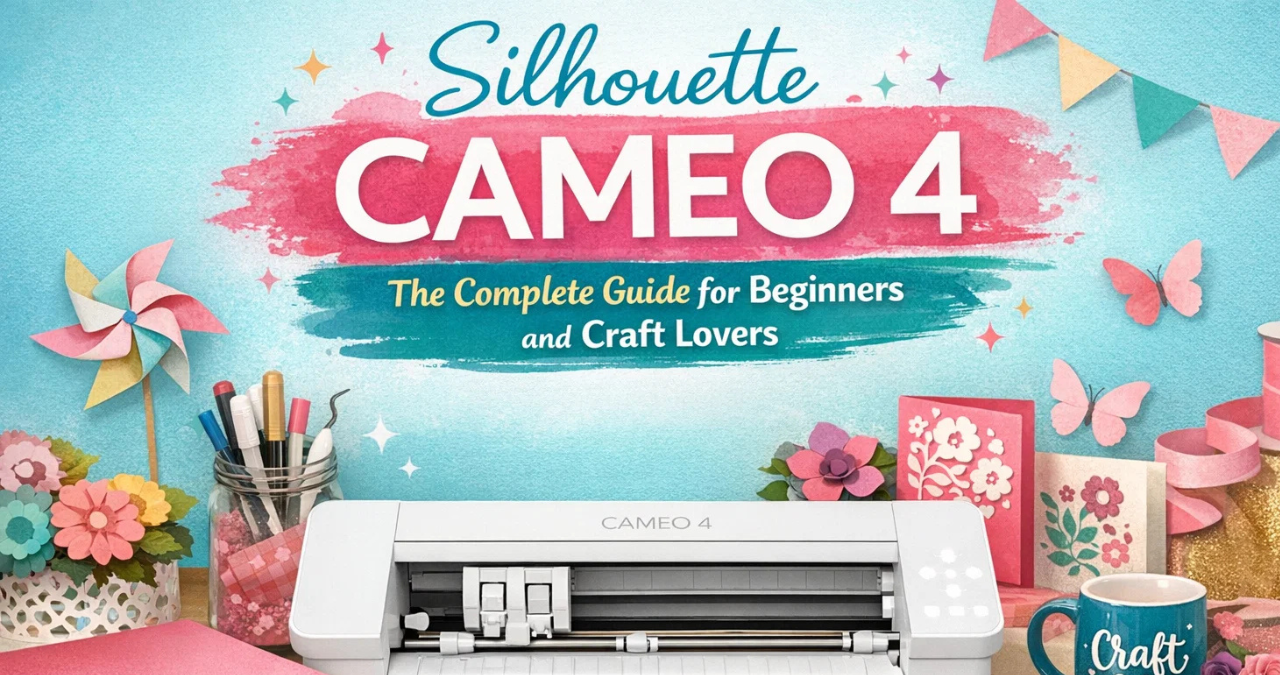
Silhouette Cameo 4 Specifications
Below is a quick overview of the main technical details of the silhouette cameo 4.
| Feature | Details |
|---|---|
| Machine Type | Electronic cutting machine |
| Maximum Cutting Width | 12 inches |
| Maximum Cutting Length | Up to 10 feet with roll feeder |
| Cutting Force | 5 kg |
| Tool Carriage | Dual tool system |
| Connectivity | USB and Bluetooth |
| Compatible Software | Silhouette Studio |
| Supported Materials | Vinyl, paper, fabric, leather, foam |
These specifications show why the silhouette cameo 4 is considered a powerful and flexible crafting machine.
How the Silhouette Cameo 4 Works
The silhouette cameo 4 works through a simple process that combines digital design with precise cutting.
Step-by-Step Process
Here’s how most projects are made:
Design Creation
Users create a design in Silhouette Studio software.
Material Setup
The chosen material is placed on a cutting mat or roll feeder.
Send to Machine
The design is sent from the computer to the silhouette cameo 4.
Automatic Cutting
The machine follows the design and cuts the material precisely.
Weeding and Finishing
After cutting, the extra material is removed, leaving the final design.
Pretty neat, right? Once you get the hang of it, the silhouette cameo 4 feels like a creative partner in your craft room.
Benefits of Using Silhouette Cameo 4
The silhouette cameo 4 offers many advantages for hobbyists and professionals alike.
Creative Freedom
You can create almost any design you imagine.
Perfect for Small Businesses
Many entrepreneurs use the silhouette cameo 4 to sell:
- Stickers
- T-shirts
- Personalized gifts
- Labels
Easy to Learn
Even beginners can start using the silhouette cameo 4 quickly thanks to user-friendly software.
Saves Time
Instead of cutting shapes by hand, the machine does the hard work.
Professional Results
Projects look clean, sharp, and professional.
Popular Projects Made With Silhouette Cameo 4
The silhouette cameo 4 opens the door to endless creative possibilities.
Here are some of the most popular projects.
Custom T-Shirts
Using heat transfer vinyl, users can create:
- Personalized shirts
- School spirit shirts
- Business branding
Stickers and Labels
The silhouette cameo 4 is perfect for making:
- Planner stickers
- Product labels
- Decorative stickers
Home Decor
Create beautiful items like:
- Wall quotes
- Window decals
- Decorative signs
Greeting Cards
Handmade cards become much easier with precise cutting.
Scrapbooking
Add custom shapes and designs to scrapbook pages.
Clearly, the silhouette cameo 4 is a powerful tool for both fun and productivity.
Tips for Beginners Using Silhouette Cameo 4
Starting with the silhouette cameo 4 may feel overwhelming at first, but a few simple tips can make the journey smoother.
Start With Simple Projects
Begin with easy designs like:
- Basic stickers
- Simple vinyl text
- Greeting cards
Learn the Software
Spend time exploring Silhouette Studio. It’s the key to mastering the silhouette cameo 4.
Use Correct Blade Settings
Different materials require different blade depths and speeds.
Test Before Cutting
Always do a small test cut before starting a big project.
Keep the Cutting Mat Clean
A clean mat helps materials stick properly during cutting.
Following these tips can help beginners gain confidence with the silhouette cameo 4 quickly.
Silhouette Cameo 4 vs Previous Models
The silhouette cameo 4 improved many features compared to earlier versions.
| Feature | Cameo 3 | Silhouette Cameo 4 |
|---|---|---|
| Cutting Force | 210 g | 5000 g |
| Tool Carriages | Single | Dual |
| Roll Feeder | No | Yes |
| Speed | Standard | Faster |
| Material Support | Basic | Advanced |
These improvements make the silhouette cameo 4 a major upgrade for serious crafters.
Who Should Use the Silhouette Cameo 4?
The silhouette cameo 4 is suitable for many types of users.
Hobby Crafters
People who enjoy DIY projects will love the creative possibilities.
Teachers
Teachers can create classroom decorations and learning materials.
Small Business Owners
Many online shops use the silhouette cameo 4 to produce custom products.
Designers and Artists
Graphic designers can turn digital artwork into physical creations.
Whether for fun or business, the silhouette cameo 4 can be a valuable creative tool.
Caring for Your Silhouette Cameo 4
Proper maintenance helps keep the silhouette cameo 4 working smoothly.
Maintenance Tips
- Clean the blade regularly
- Replace worn blades
- Keep the machine dust-free
- Store materials properly
- Update the software when needed
Taking good care of the silhouette cameo 4 ensures it lasts for many years.
Final Thoughts on Silhouette Cameo 4
The silhouette cameo 4 is more than just a cutting machine—it’s a gateway to creativity. With its powerful cutting force, smart features, and wide material compatibility, it allows users to turn ideas into beautiful, professional-looking projects.
From hobby crafting to running a small creative business, the silhouette cameo 4 offers flexibility, precision, and convenience. Beginners can start with simple projects, while experienced users can explore advanced materials and complex designs.
In today’s growing world of DIY and handmade products, the silhouette cameo 4 stands out as a reliable and innovative crafting companion. With practice, imagination, and the right tools, this machine can help anyone bring their creative visions to life.
Simply put, the silhouette cameo 4 proves that with the right technology and a spark of creativity, amazing things can happen. ✨
You may also read
Dua Lipa Net Worth: A Complete Guide to the Pop Star’s Wealth and Success